
 ings
ings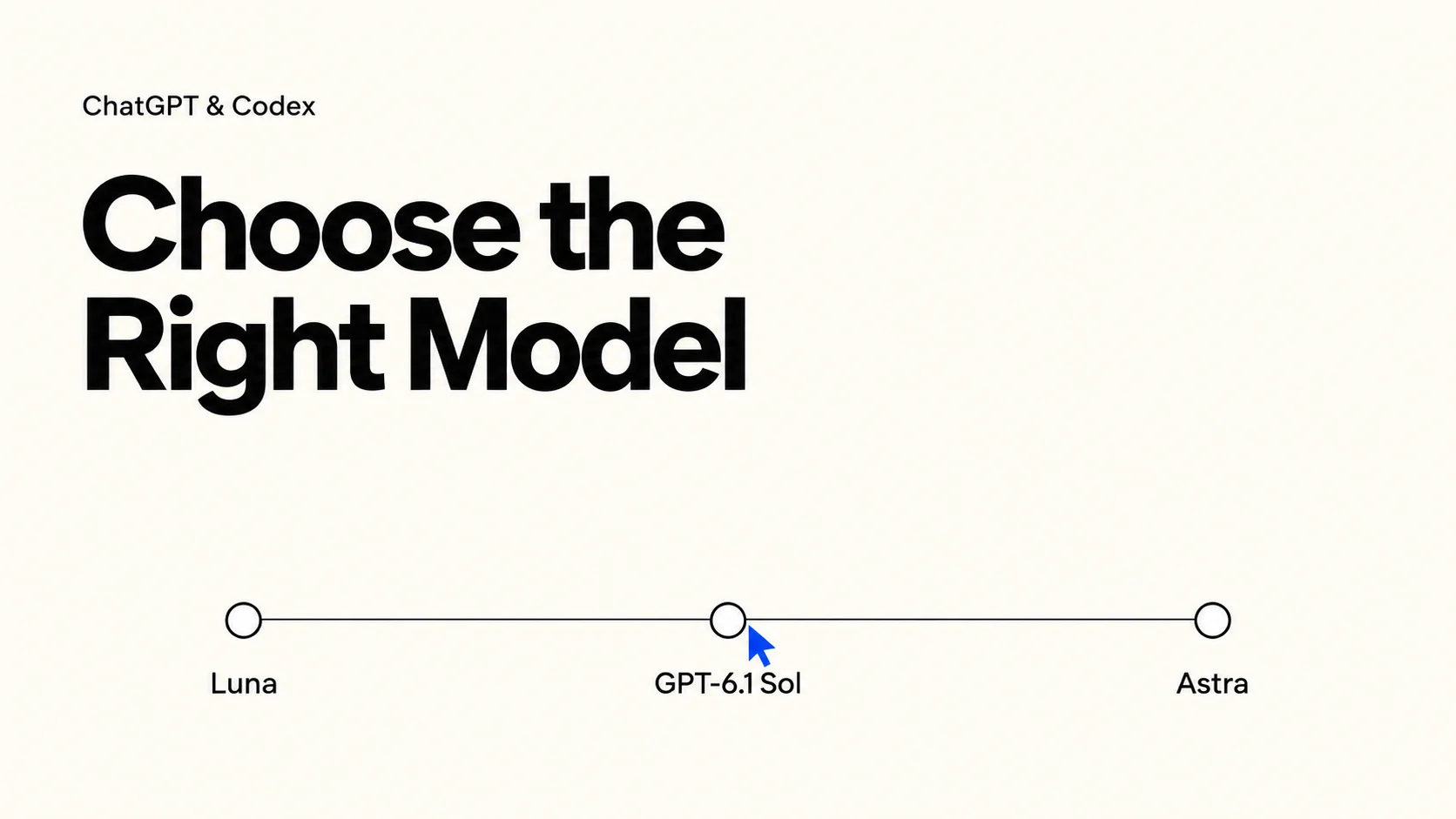

Writing an email, preparing a report, and fixing a software bug require different capabilities. Using the most powerful settings for everything can spend unnecessary time and usage on simple work. Always choosing the lightest model can lead to repeated revisions on difficult tasks.
When choosing a model in ChatGPT or Codex, focus on the total cost of getting a result you can actually use. That includes subscription usage or API charges, as well as the time spent waiting, checking, and revising.
Check your workspace first. This guide compares GPT-6 Luna, GPT-6.1 Sol, and GPT-6 Astra for Work and Codex. OpenAI lists GPT-6.1 Sol and GPT-6 Luna in Work and Codex, rather than ordinary Chat. Availability depends on your plan, client, and rollout. If you use Chat, apply the task-selection principles to the options actually shown in your menu. Check model availability.
01 | Understand Your Costs: Usage Limits for Everyday Users, Billing for API Users
For most everyday users, the first questions are how much usage their ChatGPT or Codex plan includes, which tasks consume more of it, and whether that allowance covers their daily work. Current documentation states that ChatGPT Work and Codex share usage, so their combined consumption matters when planning tasks. Official usage guidance.
To judge a model’s value, look at the time and usage needed to complete an acceptable task, along with the number of revisions. A fast model that repeatedly makes mistakes can create more work. A model that uses slightly more resources per attempt may offer better value if it consistently produces usable results.
If you are a developer using the API, pay attention to billing categories such as input, cached input, output, and any applicable tool charges. API prices cannot be directly converted into a per-message price within a ChatGPT subscription. Everyday users should compare practical efficiency within their plan, while API users should track the total cost of completing a task. API pricing.
02 | Luna vs. GPT-6.1 Sol vs. Astra: Which Model Fits Your Task?
Start with the work you need to finish. OpenAI’s model-selection guide positions Luna for scoped work, GPT-6.1 Sol for complex work with cost constraints, and Astra for the most demanding analysis. The examples below are practical starting points to test, not benchmark results or guarantees.
Model | Suggested first use | What to check before spending more |
|---|---|---|
GPT-6 Luna | Repeated extraction, categorization, and narrowly defined edits | Missing fields, incorrect labels, or broken formatting |
GPT-6.1 Sol | Professional deliverables and coding tasks with several connected requirements | Missed dependencies, incomplete evidence, or unresolved tradeoffs |
GPT-6 Astra | Ambiguous investigations and work with difficult competing constraints | Whether the additional analysis improves the final decision or deliverable |
Clear, repeatable tasks: try GPT-6 Luna
Suppose you have 50 customer messages and want a table containing the request, urgency, and next action. Try Luna with a fixed schema and a few labeled examples. Review ambiguous messages separately. A more expensive setup is difficult to justify if the output already meets every acceptance criterion.
Connected professional work: start with GPT-6.1 Sol
Now imagine turning those messages into a support-improvement proposal. The task includes identifying recurring issues, separating evidence from assumptions, and assigning feasible next steps. GPT-6.1 Sol is a useful candidate to test here. Give it the business constraints and ask for a recommendation whose reasoning you can inspect.
Ambiguous, demanding work: consider GPT-6 Astra
If the messages conflict with product analytics and engineering reports, the job becomes an investigation. Try Astra when you need to reconcile the evidence and compare several explanations. Ask it to identify which observations would distinguish those explanations; a longer answer alone is not evidence of a better result.
High-consequence work: add review to any model choice
For contractual obligations, financial arrangements, or major business decisions, define the evidence requirements, reviewer, and decision owner. Choosing Astra does not remove those responsibilities. A small calculation in a consequential report may still need independent checking, even when the surrounding analysis is strong.
03 | Reasoning Effort: Configure Luna, Sol, and Astra Separately
Model choice and reasoning effort control different parts of the setup. OpenAI’s general guidance suggests High for GPT-6 Luna, the client default for GPT-6.1 Sol, and Light for GPT-6 Astra. Astra’s Light corresponds to low in configuration. Treat these as starting points: the same guidance also notes that effort levels do not map exactly between model generations. Official reasoning guidance.
Luna High and Astra Light are not equivalent configurations. Nor should you assume the setting called High always costs more than another model’s Low. Compare the complete task using the usage information available in your product.
For a small Luna extraction task, test whether a lower supported effort still preserves every required field. For a Sol investigation, increase effort only if the current result misses relevant relationships. For Astra, begin with the recommended starting point and evaluate deeper settings when the evidence is difficult to reconcile. These are experiments to run on your own workload.
Before changing settings, identify why the previous attempt fell short:
Missing information: Supply the source file, error log, or background.
Unclear requirements: Clarify the format, scope, and example of an acceptable result.
Insufficient analysis: If inputs are adequate but reasoning remains incomplete, test more effort or a different model.
For example, an outdated report needs fresher sources, and a debugging task without error logs needs runtime evidence. Higher reasoning cannot supply missing access or facts. When comparing configurations, change one variable at a time so you can see whether the extra investment helps.
04 | Choosing a Codex Model: Three Coding Examples
Use the same acceptance criteria when comparing coding models. The following scenarios illustrate how we would scope a trial; they are not measured performance claims.
GPT-6 Luna — a small, known edit: Update a field label and its help text in a specified component. Check the rendered page and confirm that the form still submits the same value. If the task unexpectedly affects validation or stored data, reassess its scope.
GPT-6.1 Sol — a feature with connected behavior: Fix pagination when order filters change. Ask it to inspect the relationship between filter state, URL parameters, and data fetching, then verify the combined behavior.
GPT-6 Astra — a difficult investigation: Diagnose an intermittent order-display failure involving cached responses, permissions, and multiple services. Provide logs and reproduction attempts. Ask it to rank explanations and propose checks that could rule each one out.
One avoidable source of waste in Codex is uncontrolled scope. A request to fix a button can expand into changes to page structure, component styles, and dependencies when the goal is vague. That creates more work to inspect and potentially reverse.
For the pagination example, a GPT-6.1 Sol task can be structured around four elements: expected behavior, reproduction details, change boundaries, and verification. For example:
Fix the order list so that changing a filter resets pagination. The relevant page is in the orders module. After a filter changes, the list should return to page one and display the matching results. Inspect the cause first, change only the necessary logic, and preserve the existing interface. Verify the interaction between filtering and pagination, then report what was and was not checked.
For larger tasks, use three checkpoints within the workflow: establish the cause and evidence, keep implementation within scope, and verify the expected behavior. Whether these require separate conversation turns depends on the task. Splitting work into more turns does not automatically save usage.
Verification should match the risk. A copy change may need a visual check, while changes to payments, permissions, or data processing require stronger validation. Direct checking effort toward the parts where errors matter.
05 | Build a Repeatable Model Selection Workflow
You do not need to study model rankings before every task. Build default rules around the work you regularly perform, then refine them using actual results.
Step one: define the deliverable. Specify whether you need a table, proposal, working code, or sourced analysis. A clear deliverable makes completion easier to judge.
Step two: choose a suitable starting point. Build your own shortlist: Luna for the fixed-format queue, GPT-6.1 Sol for connected deliverables, and Astra for the investigation you cannot reduce to clear steps. Check availability before assigning a recurring workflow.
Step three: evaluate against the requirements. Check for missing fields, unsupported claims, and incorrect software behavior. Fluency and length are weak substitutes for correctness.
Step four: upgrade with a specific purpose. If Luna misses an important relationship despite clear instructions, compare the same input in Sol. If a Sol result leaves competing explanations unresolved, consider an Astra trial. You can also adjust effort within the current model. Keep the change only if it addresses the failure you identified.
Step five: track performance across complete tasks. Choose three to five representative tasks and record settings, completion time, revisions, important errors, and available usage data. A small sample cannot establish a universal winner, but it can improve your personal defaults.
Over time, those records can reveal which tasks benefit from speed, which justify deeper analysis, and which require human review. Each model choice can then serve a specific need in your workflow.
- OpenAI Help Center — Managing Usage with GPT-6 Astra in Work and Codex ↗
- OpenAI Help Center — GPT-6 and Other Models in ChatGPT ↗
- OpenAI Help Center — Reviewing Work and Codex Usage and Using Personal Analytics in ChatGPT Desktop ↗
- ChatGPT Learn — Pricing and Usage ↗
- ChatGPT Learn — Models ↗
- OpenAI API — Pricing ↗
- ChatGPT Learn — Model Selection ↗